WithUP
DiscoverBlogToolsAdvertise

A better way to get paid with your preferred UPI app

WithUPI lets you create a clean, shareable profile where anyone can pay you instantly. No screenshots. No repeated messages. No exposing personal numbers.


Get it on Google PlayDownload on the App Store
P
D
S

Join 1,350+ users

Already on WithUPI.

Free Forever
Setup in 30 seconds
No KYC required
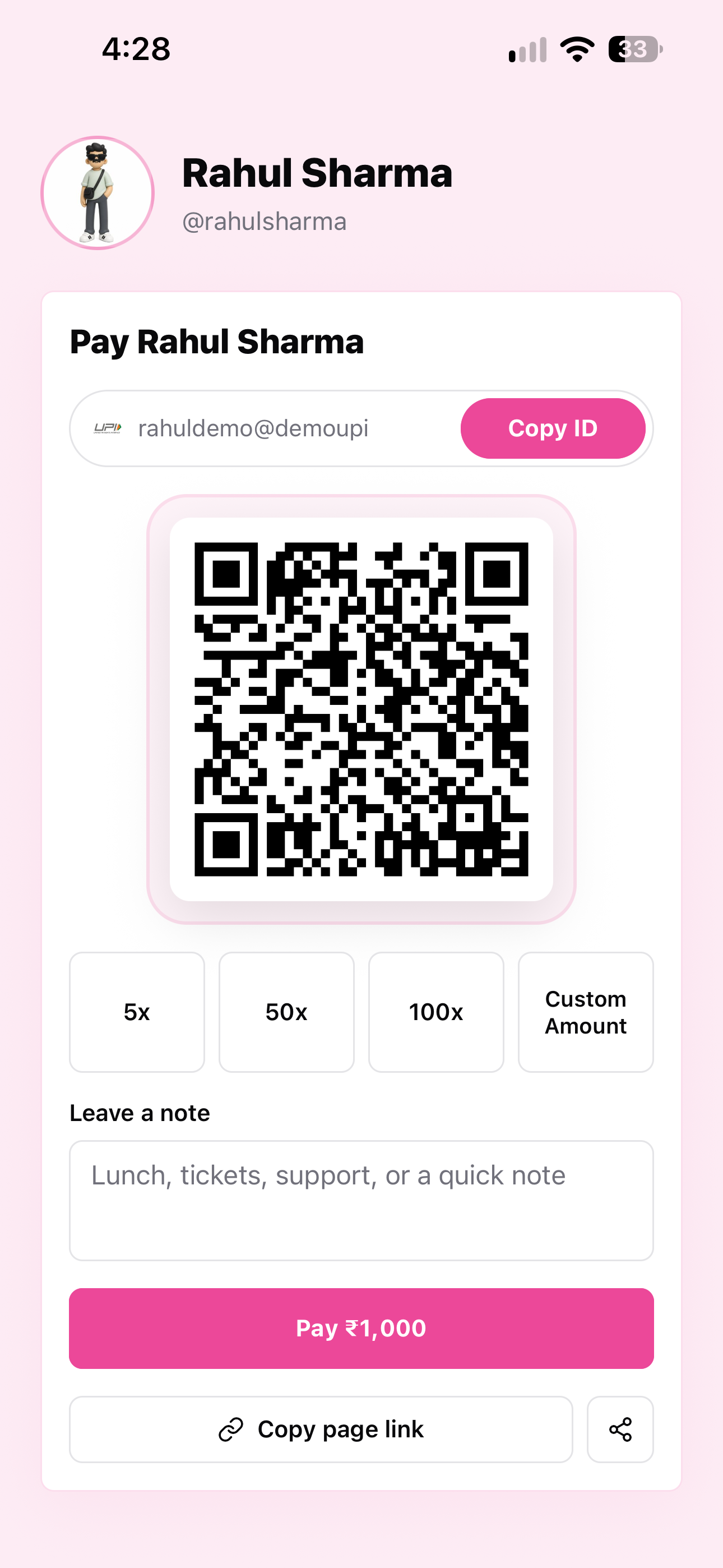
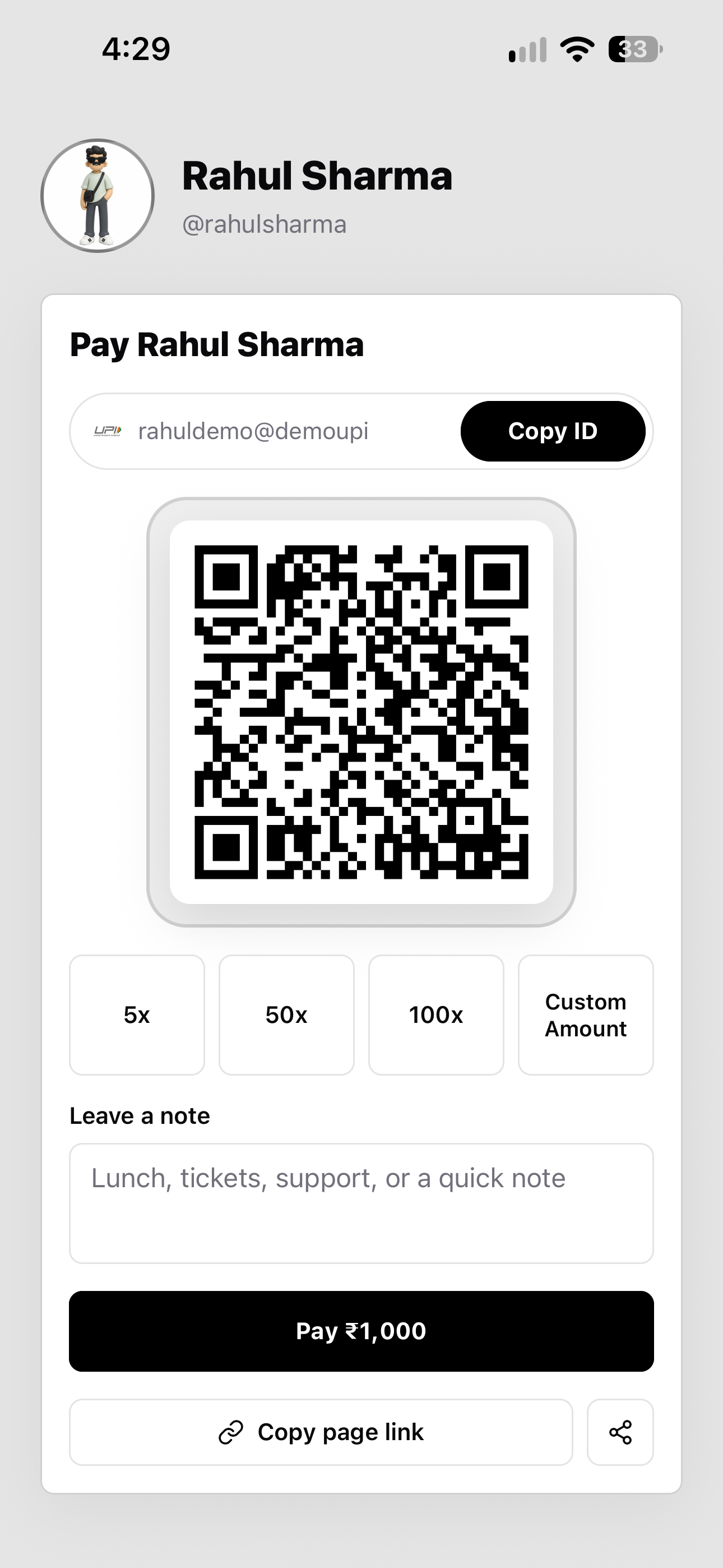
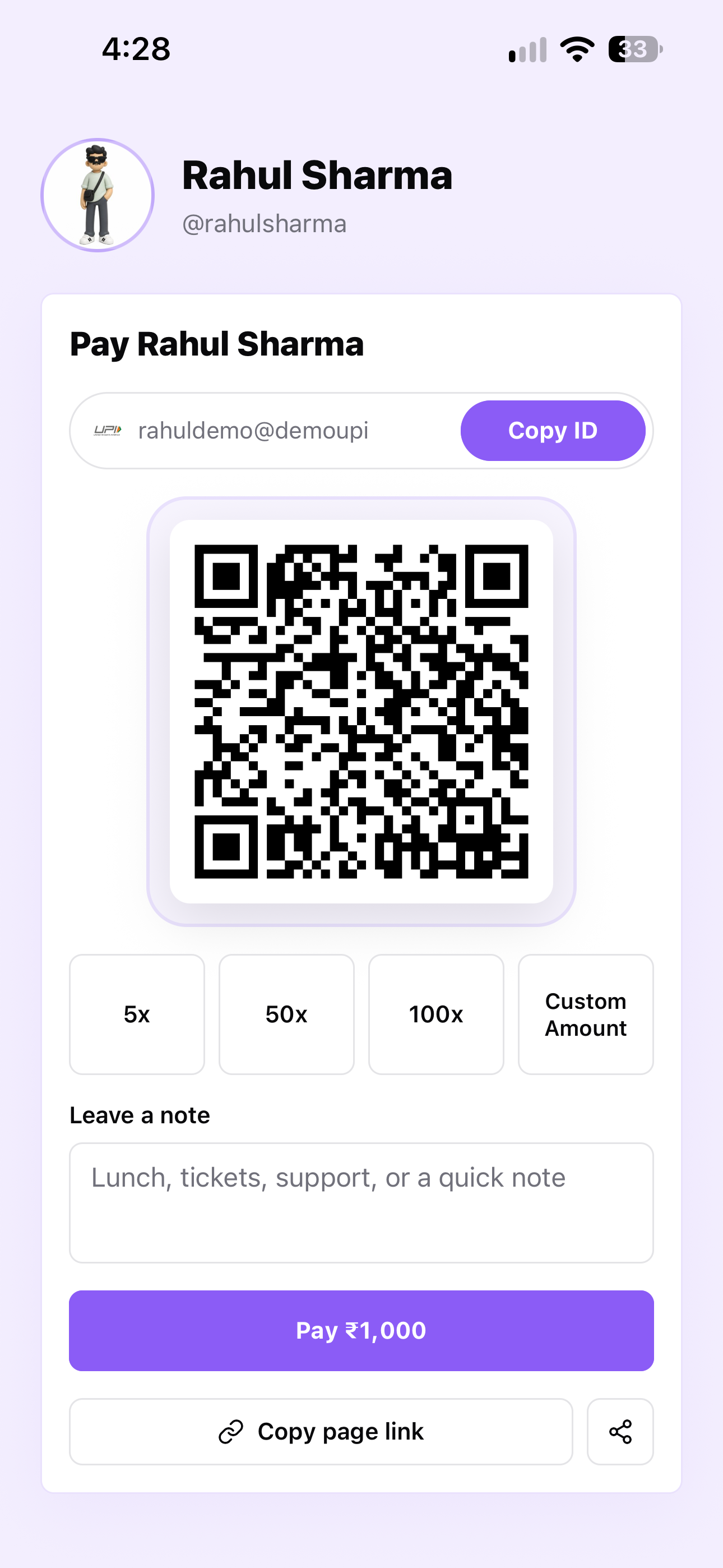
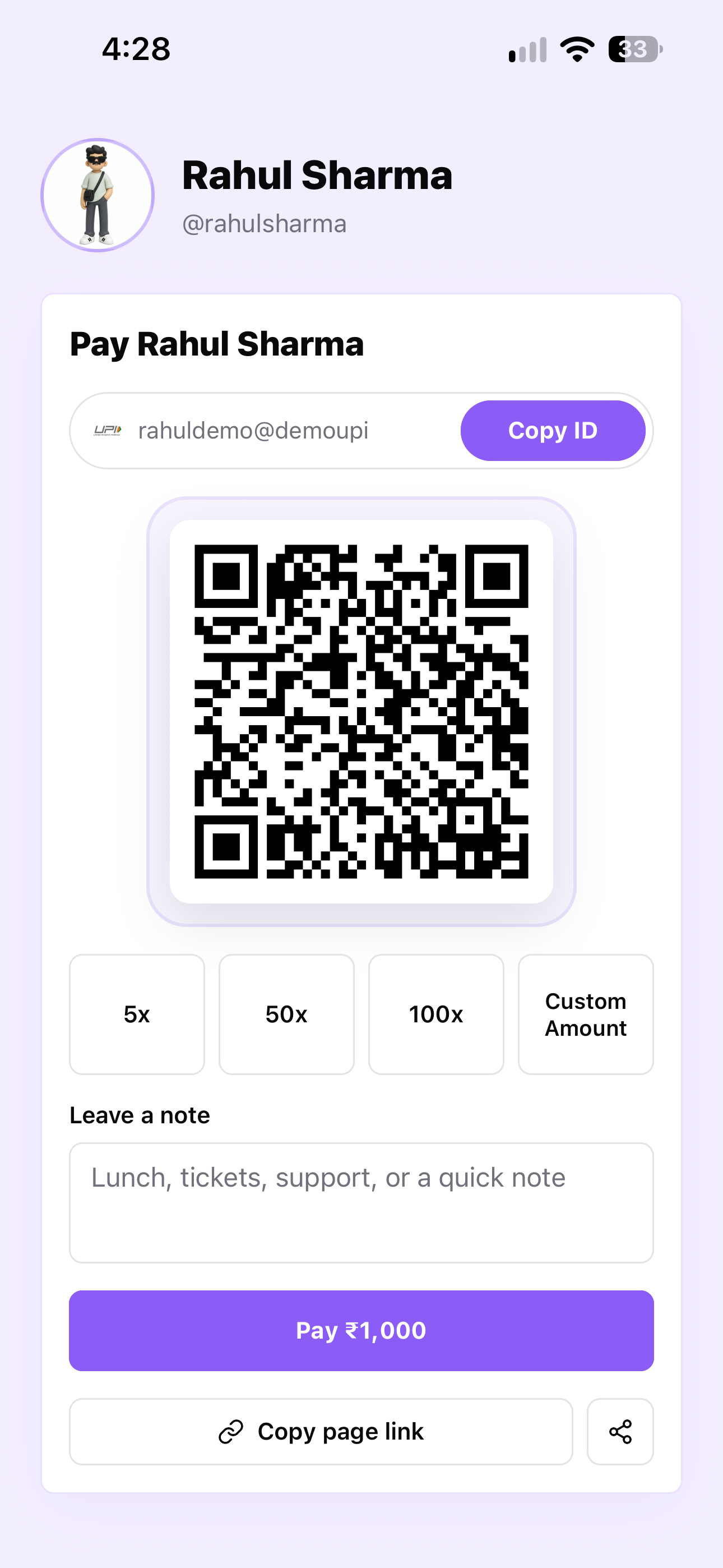
UPI Payment Mockup Pink
UPI Payment Mockup Black
UPI Payment Mockup Purple
@Pay Rahul@rahulsharmawithupi.com/@rahulsharmaUPI→

Your UPI.
Your own address.

withupi.com/@rahulsharmarahulsharma

Rahul Sharma's WithUPI payment page

A handle people can remember. A link that's yours.

Open the example

Get Paid Without Opening the App.

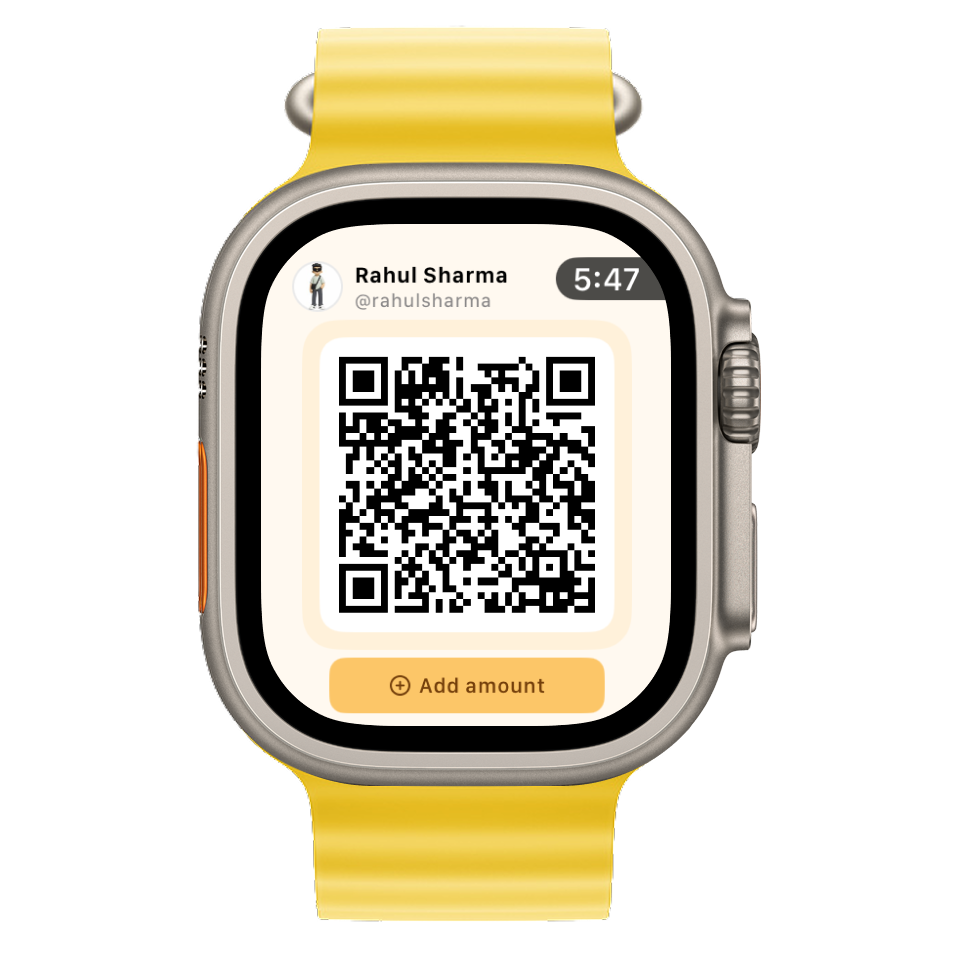
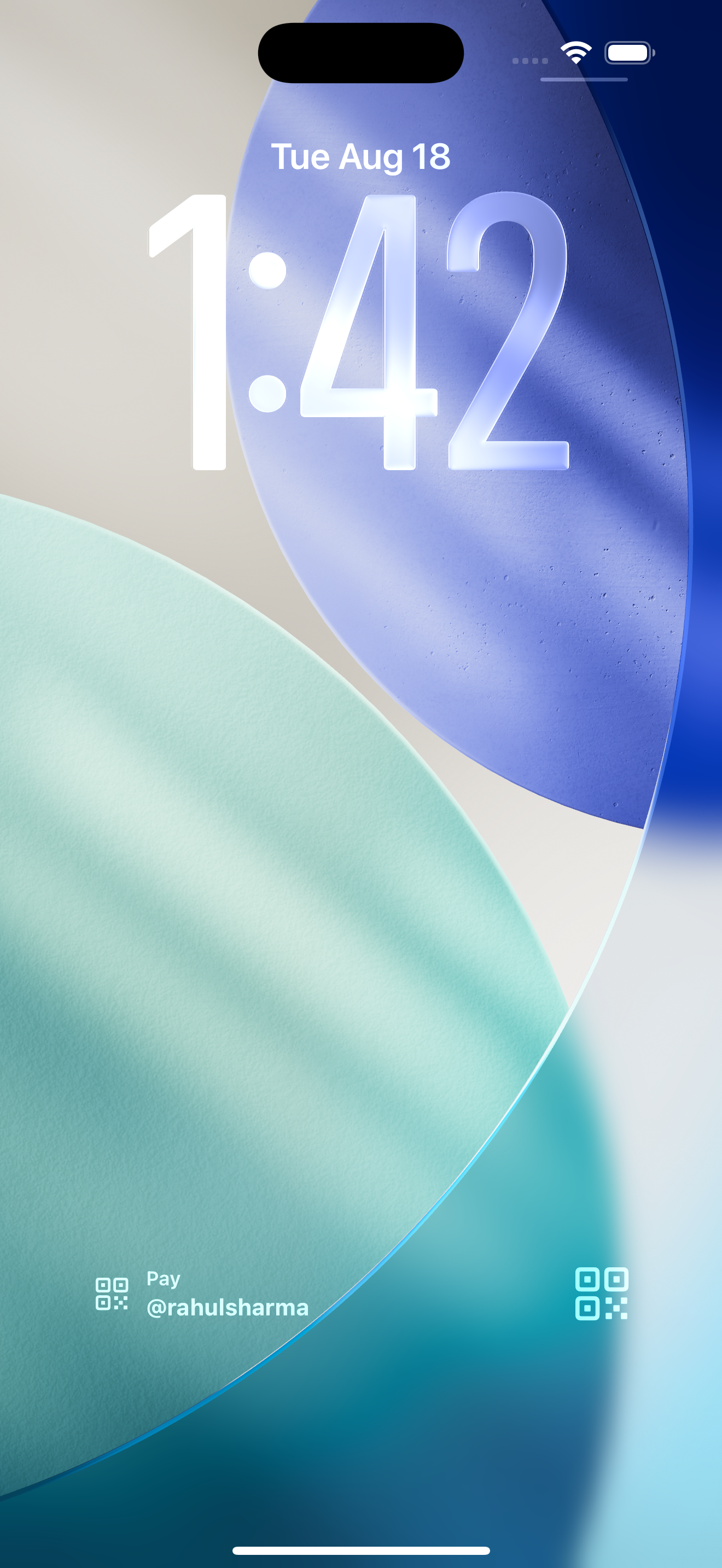
Keep your payment QR on your Home Screen, Lock Screen, or your watch. It's always ready for someone to scan and pay you.
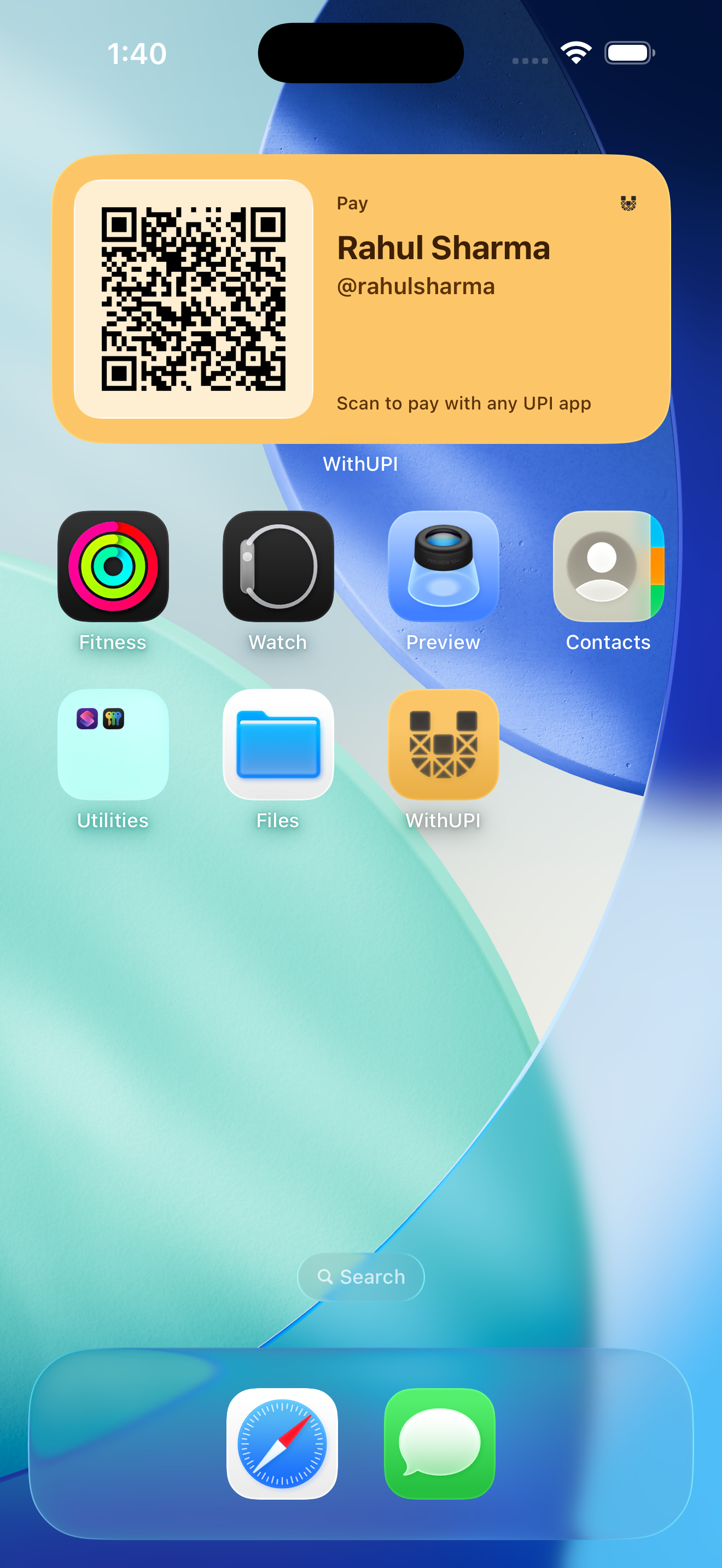
WithUPI QR widget showing a Pay Rahul Sharma card on an iPhone home screen
WithUPI QR widget on an iPhone lock screen
WithUPI payment QR displayed on an Apple Watch

Manage Your UPI IDs.

Add as many UPI IDs as you need, label them Personal, Business, or Side Hustle, and pick which one is the default. Everything lives on your page, ready to switch in a tap.

rahul.biz@ybl

Freelance

sharma@paytm

Business

rahul@okhdfcbank

Personal

WithUPI@rahulsharma

Pay

Rahul Sharma

UPI ID

rahulsharma@example

QR code to download the WithUPI app
Scan with any UPI app

Pass details

Payment page

https://withupi.com/@rahulsharma

About this card

Scan the QR code with any UPI app to pay. The money goes to the UPI ID shown on the card, and WithUPI never holds it.

Your payment QR, one tap from your lock screen.

Save your WithUPI card to Apple Wallet or Google Wallet. Open it on your phone, and anyone can scan it with a UPI app. The money goes straight to your UPI ID.

It's a QR card, not a debit or credit card. Sign up free, then add it from Card in your dashboard or the app.

Tap to pay me.

Turn an NFC sticker into a shortcut to your payment page. Set it up in the WithUPI app, stick it on your counter, and let customers tap their phone to pay.

  • No app needed for the person paying.
  • New UPI ID? Same sticker.
  • Lock your tag to keep your link safe.

Write tags with an NFC-enabled phone and the WithUPI app. Payers tap with an iPhone XS or newer, or an Android phone with NFC on.

coffee & co.
WithUPITap to pay
@rahulsharma
Monday, 21 October9:41
NFC tag detectedOpen withupi.com

Meet the people
behind the links.

Shops, creators, and independent businesses. Explore the people making WithUPI their own.

Discover profiles
@withupi.com/@dcr6174
P

PDF Studio

💕 Support my work on PDF Studio! 🌍 International Supporters (Cards/PayPal): 👉 buymeacoffee.com/dcr6174 Supporters in India (Direct UPI / Google Pay / PhonePe): 👉 withupi.com/@dcr6174 Thank you for keeping this project alive! 🙏✨

Visit page

Frequently Asked Questions

Quick answers to the things most people want to know before they start sharing their page.

UPI, or Unified Payments Interface, is India’s instant bank-to-bank payment system. It lets people send or receive money directly from their bank account using UPI apps. For more details, see the official NPCI overview.

Read the official NPCI guide

WithUPI gives you a simple public page for collecting payments through your UPI ID. Instead of repeatedly sending your UPI details, you share one clean link that people can act on instantly.

Setup takes around 30 seconds. Pick a username, connect your UPI ID, and your payment page is ready to share.

People open your WithUPI page, tap pay, and complete the payment in the UPI app they already use. There is no extra app or complicated flow for them to learn.

Yes. Your page works with the major UPI apps people already have, including Google Pay, PhonePe, Paytm, BHIM, and others that support UPI payments.

No. You can create your page and start sharing it without going through a separate KYC flow on WithUPI.

Creating a WithUPI page is free, and WithUPI does not charge commission on the payments you receive.

Ready to claim your
WithUPI page?

Setup takes 30 seconds. It's free, forever.

View Sample Page

No Card Required

No KYC Needed

Zero commission

WithUP

A more thoughtful way to collect payments. Share a clean page, get paid instantly, and skip the repeated screenshots and back-and-forth.

Explore

DiscoverBlogAdvertiseSupport
@withupi.com/@digitalhealthworkshop
D

Digital Healthcare Services Workshop

Registration fee payment for the 10-Day Professional Workshop on Digital Healthcare Services. Programme Duration: 01-10 November 2026 Mode: Online Registration Fee: ₹3,000 per participant Please complete registration using the official registration form and retain your UPI transaction receipt for verification. Registration Form: https://forms.gle/iSj3Qxm7uXYwLpji6 Minimum Amount: ₹3,000 INR

Visit page
@withupi.com/@sanjyot
S

Sanjyot Singh

Wsp, I’m Sanjyot. Filmmaker. Editor. Writer. Sometimes I make things that make sense, sometimes I make things that probably shouldn’t. If you like the stuff I make, help me make the next one. 🎬 bit.ly/sanjyot -S²

Visit page

A name to remember. A link to get paid.

How long does it take to create my page?

Setup takes around 30 seconds. Pick a username, connect your UPI ID, and your payment page is ready to share.

How do people pay me through my WithUPI page?

People open your WithUPI page, tap pay, and complete the payment in the UPI app they already use. There is no extra app or complicated flow for them to learn.

Will this work with any UPI app?

Yes. Your page works with the major UPI apps people already have, including Google Pay, PhonePe, Paytm, BHIM, and others that support UPI payments.

Do I need KYC to get started?

No. You can create your page and start sharing it without going through a separate KYC flow on WithUPI.

Is WithUPI free, or are there any fees?

Creating a WithUPI page is free, and WithUPI does not charge commission on the payments you receive.

Privacy Policy
Terms of Service

Tools

UPI QR code and payment link generatorUPI for NRIs: does your foreign number work?UPI charges and MDR calculatorUPI handle lookupAll 8 tools

Download the app

Get it on Google PlayDownload on the App Store
Scan to download the WithUPI app

Scan to download

Email support

Reach us at hello@withupi.com

© 2026 WithUPI.